

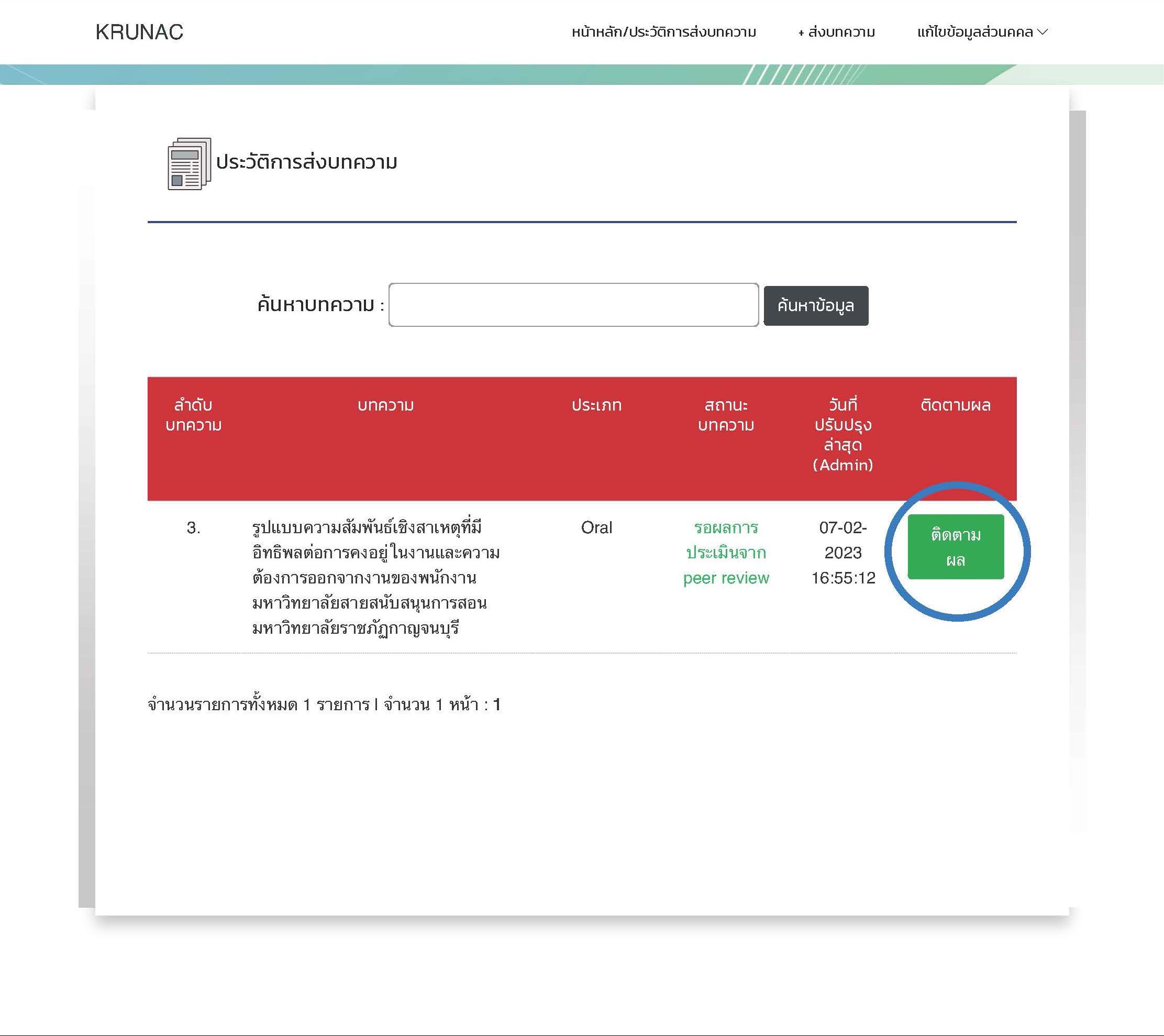
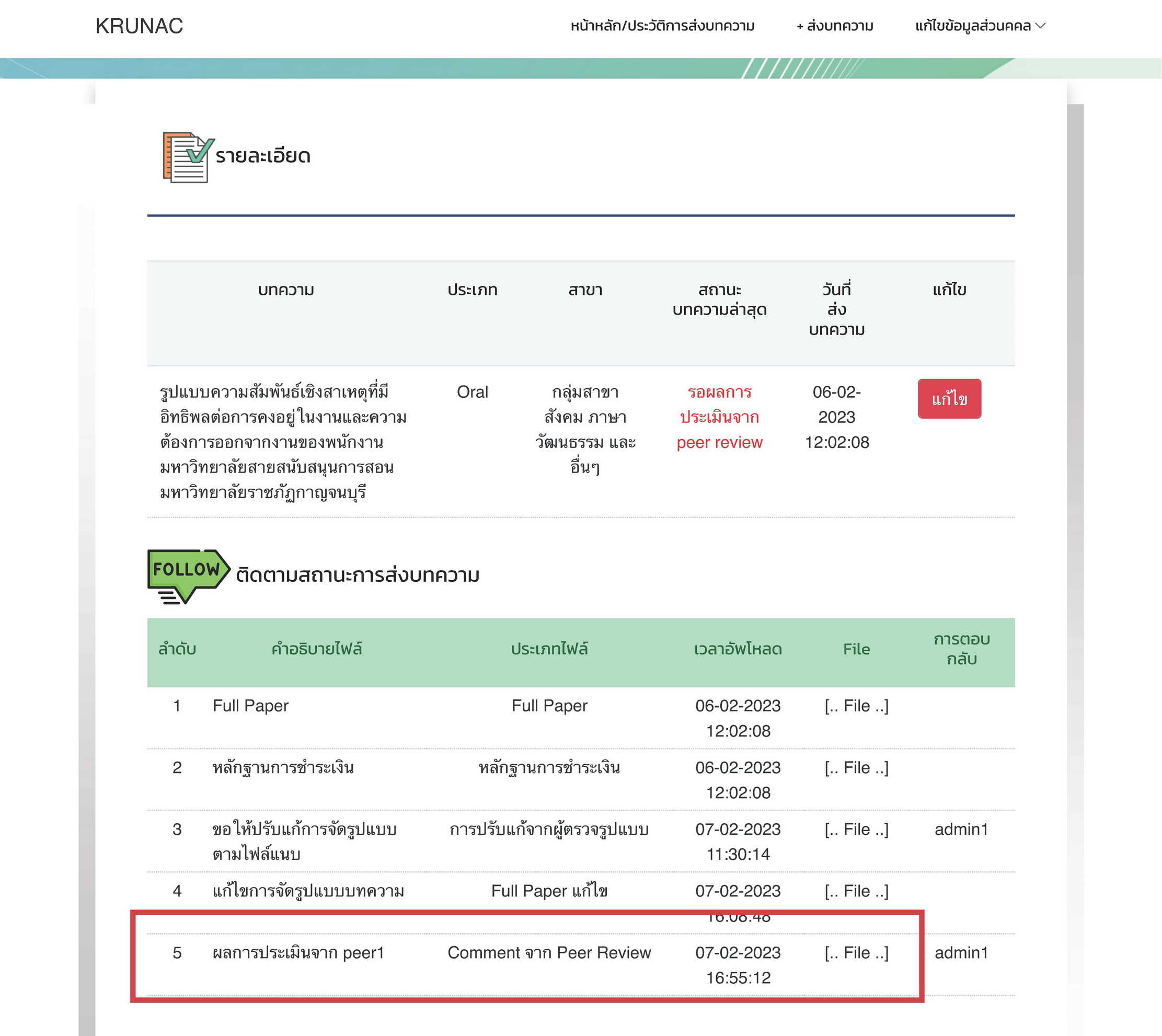
 How to Check: Authors can check their review results by logging into the system and clicking the “Tracking” button (Figure 7.1). The detailed comments will be displayed in the submission tracking list (Figure 7.2).
- Review Status: Your paper will maintain the status of “Under Peer Review” until the review results from all 3 peer reviewers are fully submitted.

 Next Step for Revisions:
If your status is “Revision Required: Content”, please revise your paper according to the comments. See instructions in Step 8.
Next Step for Revisions:
If your status is “Revision Required: Content”, please revise your paper according to the comments. See instructions in Step 8.